
 Venari DevOps
Automated security testing for continuous AppSec assurance
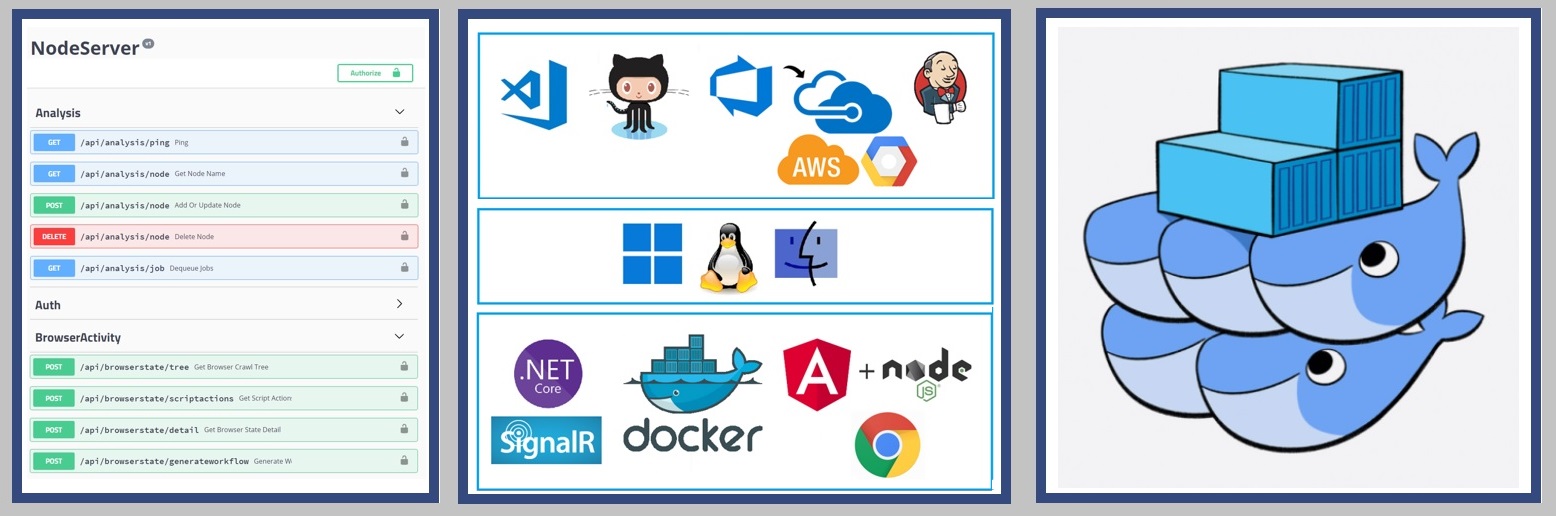
Designed for Unattended Automation at Scale
Venari DevOps is an API-first DAST platform for CI/CD pipeline integration. Everything in Ultimate Edition plus REST API orchestration with JWT authentication, elastic multi-node distributed scanning, scheduled automation, webhook notifications, and role-based access control with OpenIddict OAuth2 for service accounts.
Orchestrated Automation
Unattended scanning based on schedules or build triggers provide continuous assurance for all of the organization's web application code
Flexible Deployments
Venari DevOps runs equally well in containers, virtual machines and bare-metal PCs.
Scale Up and Out
Parallel job nodes scan many applications concurrently and Elastic jobs enable multi-node collaboration to test large applications quickly.
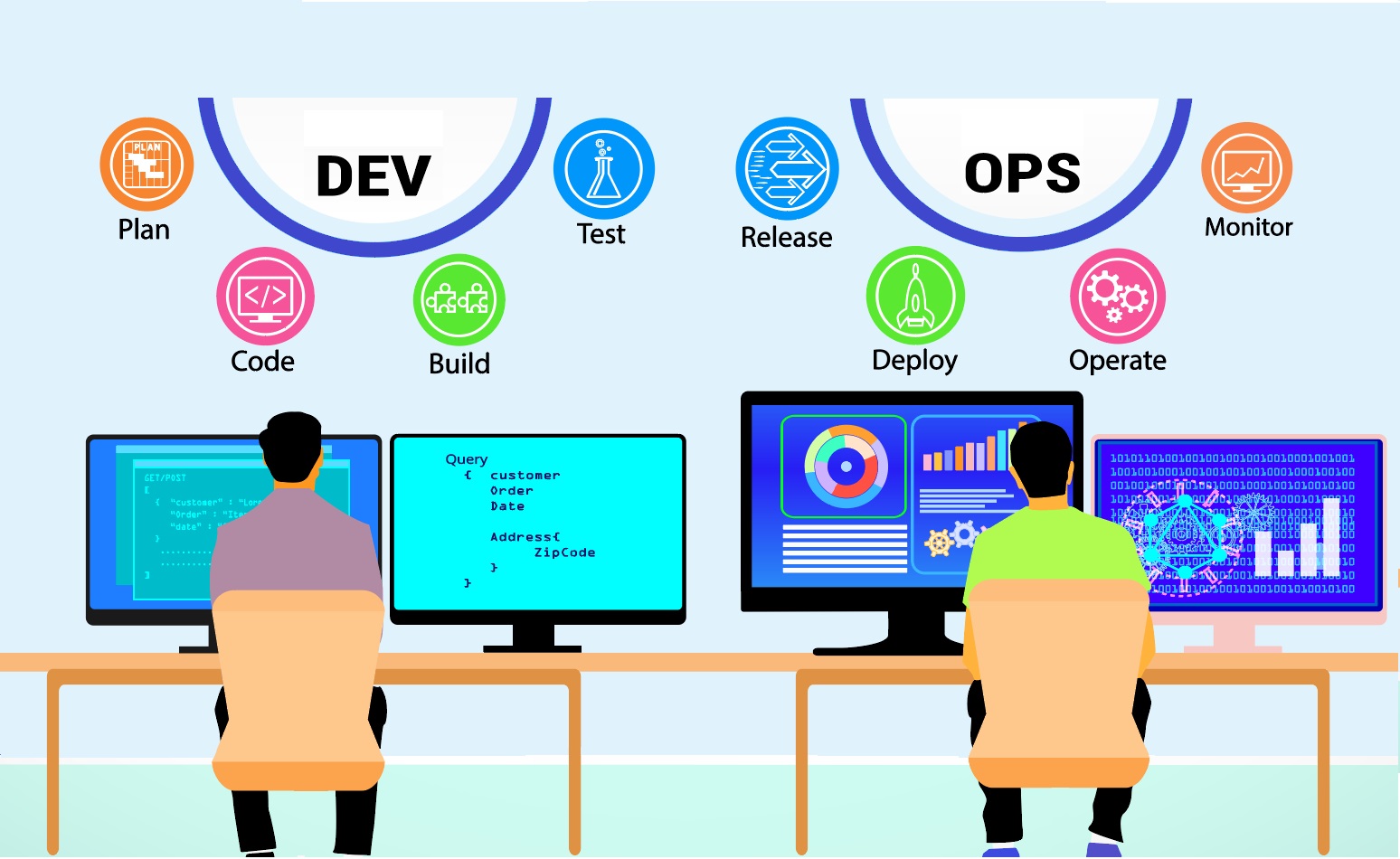
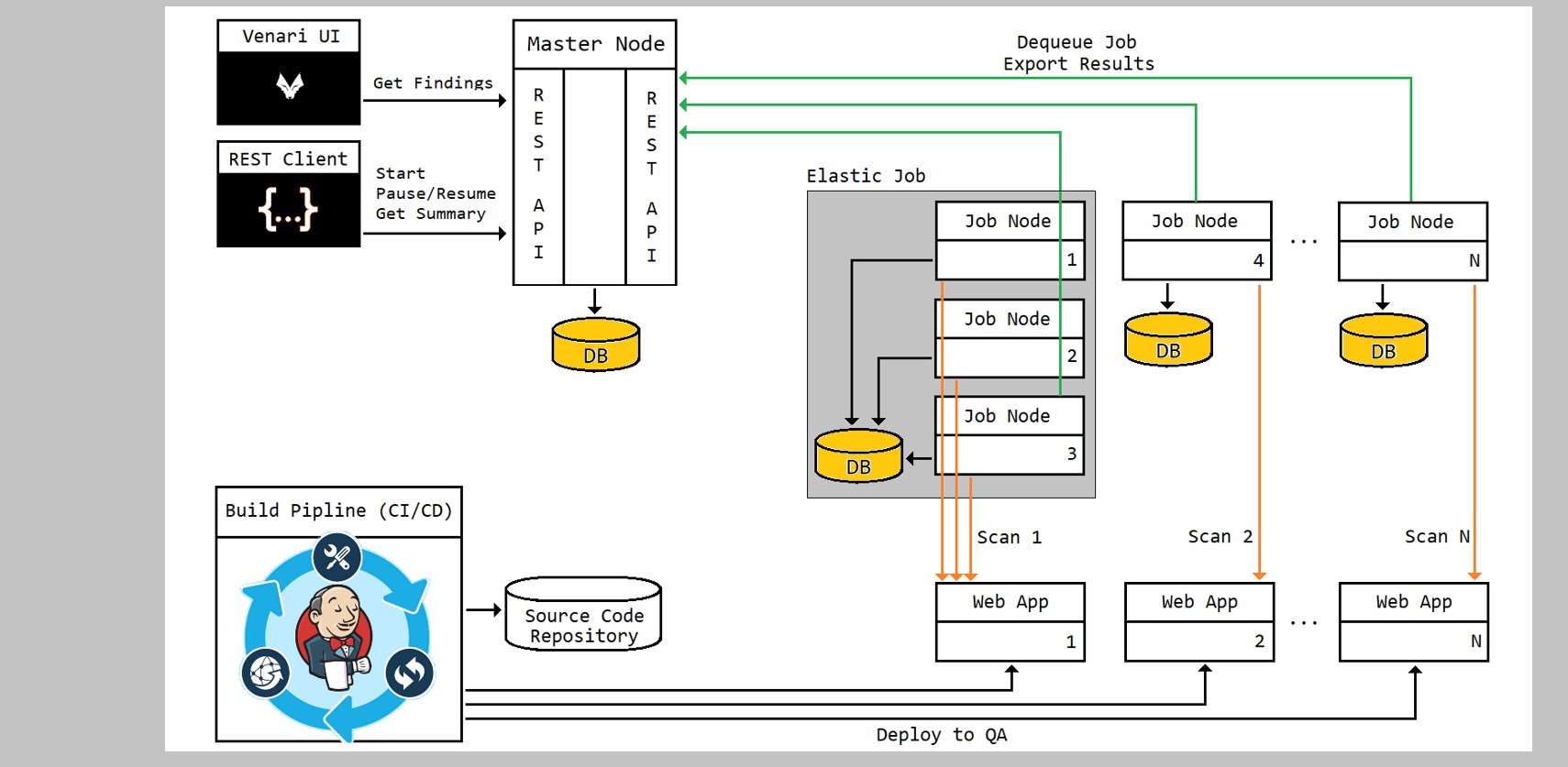
Distributed Processing and Orchestration
REST API-driven orchestrator and job nodes provide a headless DAST platform for continuous security scanning. JWT authentication secures all API endpoints. DevOps-specific endpoints enable CI/CD build triggers, scan status polling, and automated result retrieval.
Server Node Architecture
An orchestrator node controls a cluster of job nodes to start scans and harvest results into application workspaces without human intervention. The orchestrator can be configured for fine-grained control of scan start/stop cycles to respect maintenance schedules and blackout windows.
API Control
All capabilities in the Venari DevOps platform are exposed via REST APIs to enable customizable integration with existing CI/CD infrastructure.
Continuous Assurance
Once an application is onboarded with essential URl and credential information, it becomes a part of a continuous scan loop.
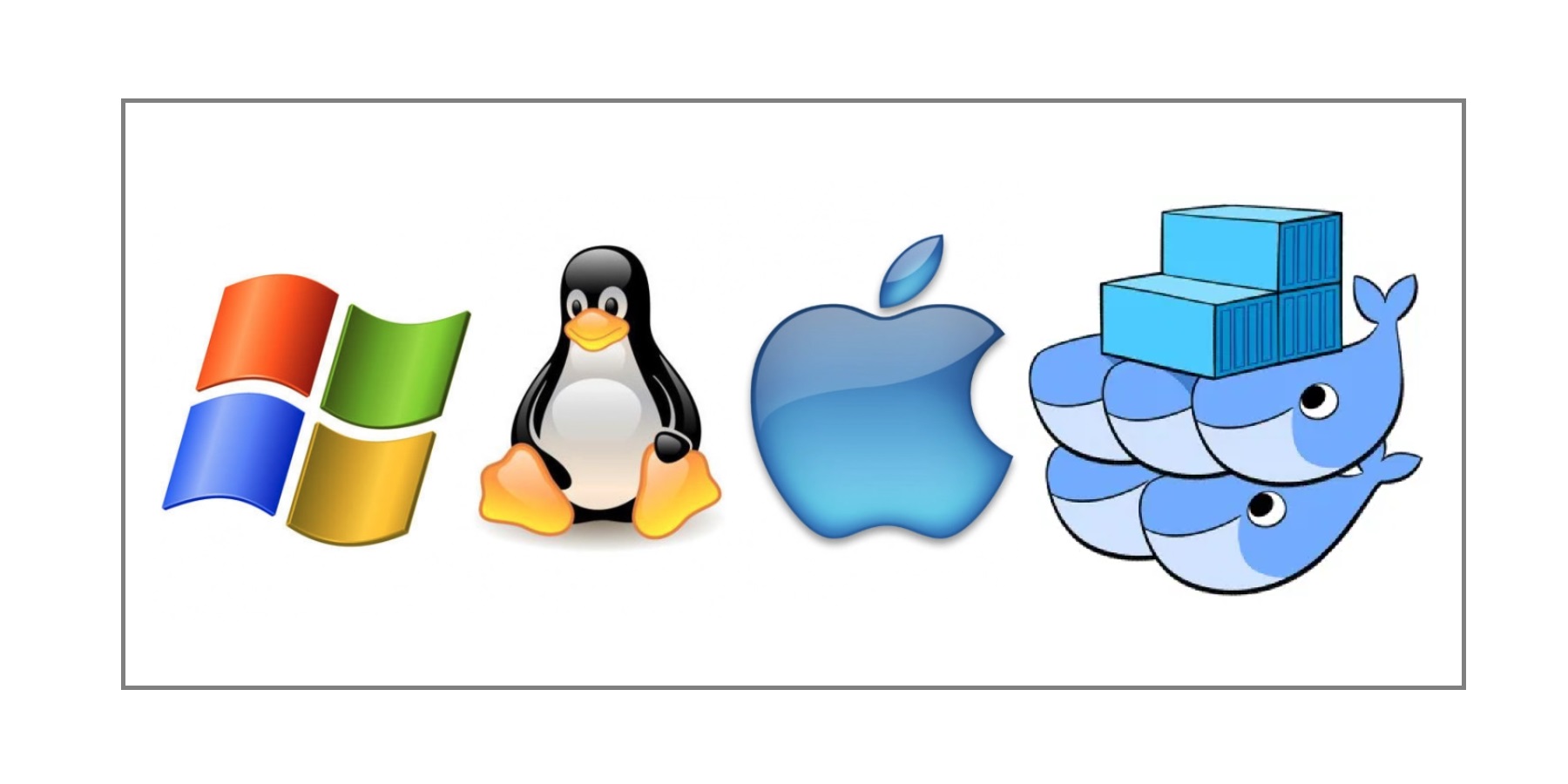
Flexible Deployments
Venari DevOps can be deployed on multiple operating systems and container technologies.
Cross-Platform
Venari DevOps server nodes and user interfaces run on Windows, Linux and Apple operating systems.
Installation Choices
The orchestration node and the job nodes that scan applications run equally well in Docker containers, virtual machines or physical servers.
Simple Licensing
The orchestration node is the single point of license checking making it extremely simple to add more job nodes as capacity needs grow. There is no additional configuration for job nodes that tie them to specific pieces of hardware.
Flexible Authentication
Authenticate with any system that supports the OAuth/OpenID Connect protocol. Examples include OKTA, Azure, B2C and DEX IDP
Scale Up and Out
Add more scan nodes as capacity requirements grow. Larger clusters enable more concurrent scanning and collaborative elastic scanning.
Scan Queues Run Unattended
Scan jobs are queued and run whenever a job node (scan node) becomes available. The orchestrator triggers this transition without the need for manual start/stop operations.
Add Job Nodes as Capacity Needs Grow
Adding capacity is as simple as configuring new job node instances to point to the orchestrator URL
Elastic for Large Scans
Large applications can be scanned significantly faster by allowing multiple job nodes to collaborate on a scan. The orchestrator will find idle nodes and automatically provision them to join elastic scans in progress.

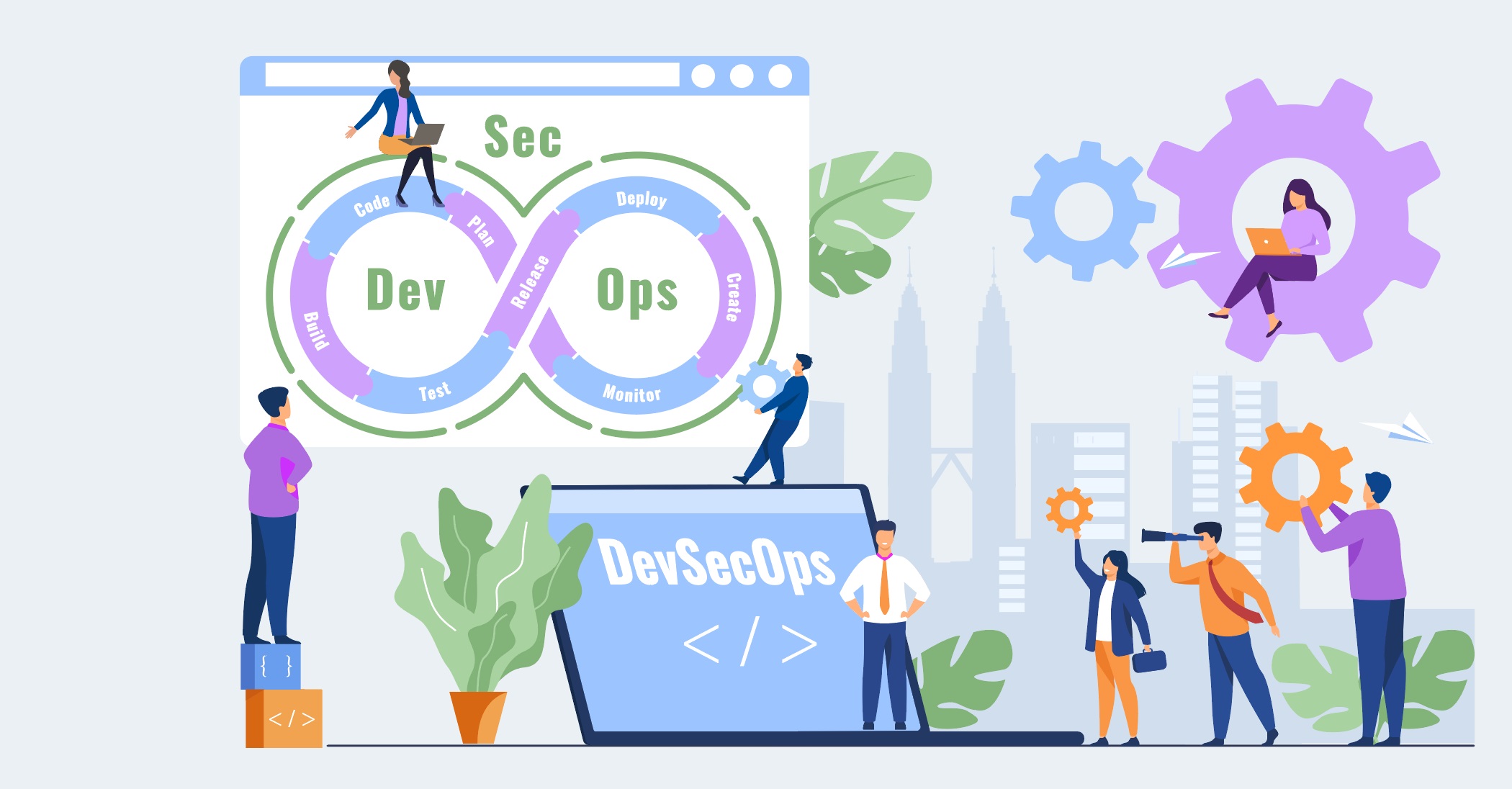
DevSecOps as a Team Sport
Multiple team members can provision scans and consume scan data from remote UI instances, enabling full life-cycle collaboration on security issues.
Centralized Application Data
Application templates and scan data are aggregated into workspaces in the orchestrator node's database.
Role-Based Access Control
Team members with different roles and permissions can remotely access the orchestrator node data using the Venari UI.
Remote Configuration, Triage and Fix Verification
Using the Venari UI in remote connect mode, users can run targeted re-test on their local machine for triage and fix verification. Scans can also be onboarded into the application workspace from remote machines.
Integrations
Auto-Export Artifacts
Configure scan jobs to automatically export findings data as downloadable resource URLs.
Email PDFs
Generated PDF reports can be automatically emailed on scan completion.
ELK
Data can be exported to ELK (Elasticsearch, Logstash and Kibana).

Related Documentation
Set up and configure Venari DevOps Edition with our documentation.