
 Venari Ultimate
Automated security testing for developers, QA engineers and security specialists.

Designed for the Modern Web
Venari Ultimate is a full-featured desktop DAST scanner for security professionals. All scanning modules — browser-based crawling, intelligent fuzzing, passive inspection, Nuclei CVE templates, and technology fingerprinting — are included for comprehensive web application and API security testing.
Browser Engine Accurately Maps Attack Surface
A pool of headless Chromium browsers via Chrome DevTools Protocol tracks XHR and WebSocket traffic with shadow DOM piercing and smart DOM maturity detection using plateau analysis. Full support for Single Page Application (SPA) code patterns, modern JavaScript frameworks, and web standards.
API-driven, Cross-Platform Architecture
All analysis modules and capabilities are exposed as REST API endpoints. API-driven scan modules also power the DevOps edition product allowing Venari deployments to fluidly support a combination of manual and automated testing. All UI and engine components run on Windows, Linux and MacOS.
Fingerprinting Optimizes Analysis
Automatic identification of 36+ client and server frameworks with CPE string generation and CVE correlation. Technology detection covers Angular, React, Vue, ASP.NET, Django, Express, Laravel, and more. TLS cipher analysis and certificate examination provide additional server-level intelligence.
Simplified Onboarding
Auto-Login and pre-scan fingerprinting optimize initial configuration
Auto-Login from Simple Credentials
In many cases, automatic login can be configured using only username and password. Recorded workflows fill the gap for more complex scenarios
Pre-Scan Optimizer
The optimizer module fingerprints the application before the discovery and exploit phases begin and configures the initial settings template.
Auto-Generated Scan Templates
Scan templates (settings) for common use cases are automatically generated when the application is onboarded. Templates for discovery-only, full exploitation, Burp integration and streamlined findings validation are pre-created.

Browser Engine
Combination of Browser Interactions and Spidering for Improved Coverage and Accuracy
Modern Frameworks Supported
The pool of headless chromium browsers natively support SPAs, WebSockets, XHR-intensive sites and all modern frameworks.
Advanced DOM Probing
Unlike older scanning tools, Venari probes input/output paths that are reflected inside the changing DOM and not simple HTTP traffic reflections. DOM state change tracking enables advanced fuzzing and vulnerability detection algorithms.
Auto-Generated Workflows
All browser interactions are captured and saved as re-playable units of test behavior. These workflows can be reused to compose and automate highly accurate behavioral tests.

Detailed Discovery Views
Venari exposes detailed visual information for the browser pool, the spidering engine and the fingerprinter.
Browser View
The browser view shows the recorded stream of clicks, hovers, mouse events and all other headless browser interactions. Each interactive step shows a screenshot, the related HTTP traffic and the DOM document state.
Traffic View
The traffic view shows the request and response details - including redirect information - for each resource URL mapped during discovery.
Fingerprint View
The fingerprint views shows detailed collections of technologies, parameters, traffic artifacts, certificates, external origins, Etc. These views show the composition and data patterns used by the application being tested.
Vulnerabilities and Findings
Context-aware fuzzing across 13 parameter locations detects SQL injection, XSS, XXE, SSRF, and command injection. Over 20 passive inspection rules cover security headers, cookie flags, sensitive data exposure, and stack trace detection. Nuclei integration executes 40,000+ community CVE templates.
Powerful Security Rule System
The Venari fuzzing and inspection engines are purpose-built to enable AppSec research to be quickly expressed as new security analysis rules using a custom and powerfully expressive language.
Findings Present Detailed Evidence
Individual findings show detailed evidence of how the rule or algorithm detected the vulnerability or security insight.
Vulnerability and Compliance Reports
Vulnerability and findings reports expose results in human-readable PDF format. Findings evidence is highlighted in HTTP request and response data.
Data Exports
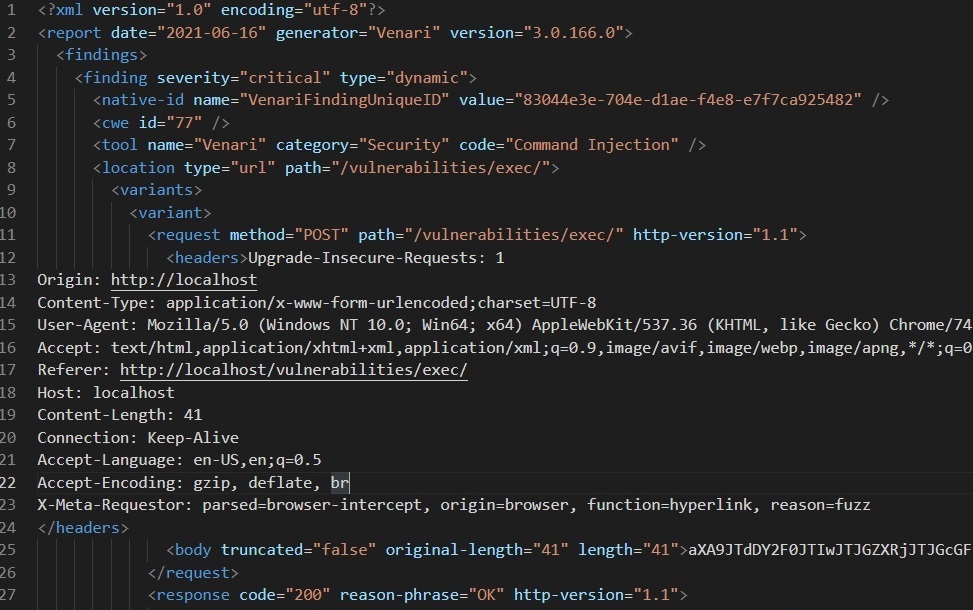
Findings data can be exported as structured JSON or XML as well as exported to third party vulnerability management systems.
Efficient Triage, Fix and Validation
Special re-test modes enable efficient triage and fix verification and team collaboration.
Single Finding Re-test
Individual findings can be re-tested from the Venari UI without the need to repeat entire scans.
Developer Local Re-test
Findings re-tests can re-target the URL to be different than the application where it was found. This re-targeting allows developers and QA engineers to triage and verify fixes with local builds of the web application.
Bulk Findings Validation
When a new application is onboarded a special template is generated that re-tests ONLY the aggregated findings in the application workspace. Venari stores metadata needed to re-analyze individual findings without the need to completely repeat lengthy scans.
API / Traffic Integrations
Venari supports API definition import for popular definition formats.
Postman Import
Import POSTMAN collections into structured operation groups and scan the APIs with the Venari traffic playback engine. Add security analysis to existing functional test artifacts for APIs.
Open API Specifications (SWAGGER) Import
Import Open API definitions into structured operation groups and scan the APIs with the Venari traffic playback engine. The traffic importer reads the definition and synthesizes conforming HTTP traffic for use in security scanning of the defined API.
More Integrations
Venari has import/export features for many popular tools and formats and the list grows with each release.
HTTP Traffic Import
Import traffic from popular external sources and convert to the Venari universal traffic format for use in scans. Import sources include: Burp, HAR, Fiddler and Venari's own export format.
Code DX Export
Export vulnerability information and findings to Code DX via common XML format.
Selenium
Convert Selenium functional tests to Venari's native workflow format for playback in security scans.
Related Documentation
Learn more about Venari Ultimate Edition capabilities in our documentation.